
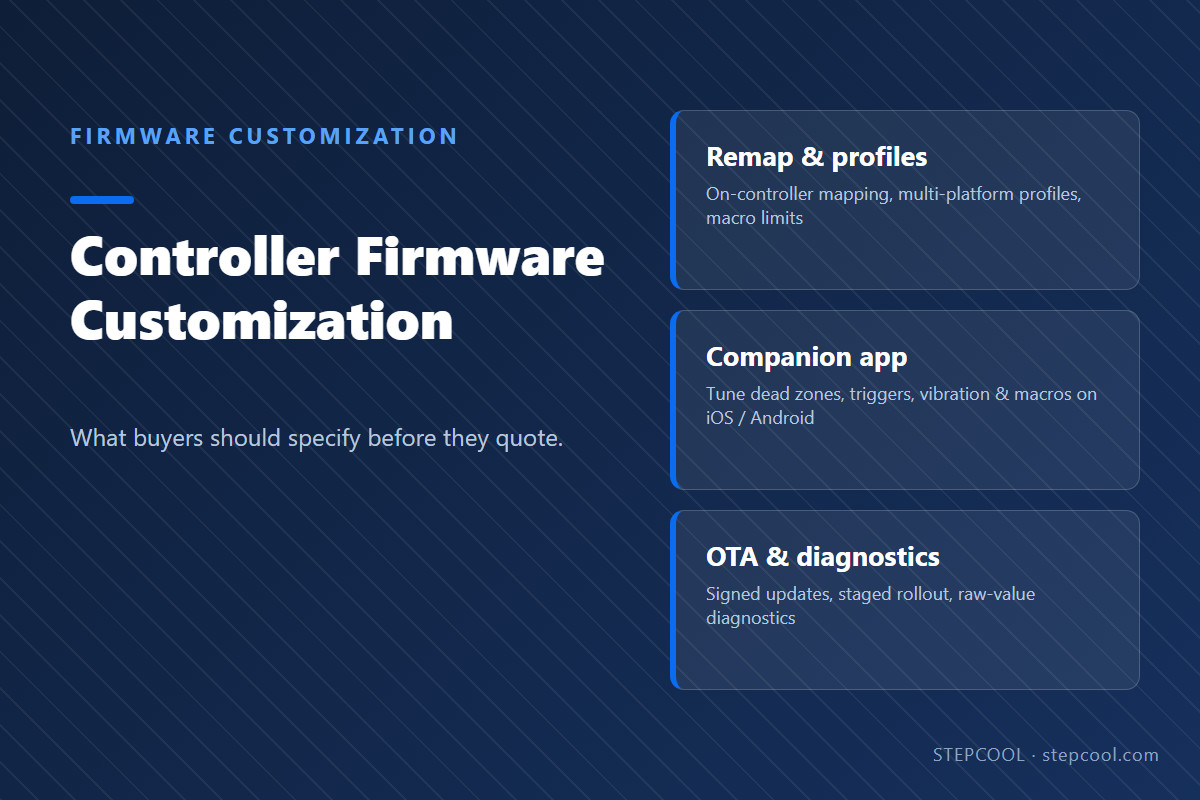
Two controllers can share the same hardware and behave like completely different products, and the difference is firmware. For importers and brand owners, firmware customization is where a generic OEM controller becomes your product — but it is also the layer where scope creep quietly doubles development time. This guide explains what firmware customization actually covers, what each feature costs in effort, and the spec questions that keep the project on schedule.
The three layers of controller firmware
It helps to separate what you are actually buying, because factories use "custom firmware" to mean anything from a boot logo to a full feature build:
- Base firmware. The platform stack: connection modes (wired, Bluetooth, 2.4G dongle), HID profiles per platform, power management and safety behavior. On a proven platform this already works; you should not pay to rebuild it, only to verify it against your housing and components.
- Feature layer. What players interact with: button mapping, macros, turbo, deadzone and trigger tuning, vibration profiles, gyro behavior, lighting. This is where most customization budget goes.
- Service layer. Companion app communication, OTA update mechanism, factory calibration and diagnostics. Often skipped by first-time buyers and regretted at the first support ticket.
Ask a supplier to quote these layers separately. A quote that only mentions "firmware" is unpriceable, and you will discover the missing scope as a delay.
Button remapping: the baseline feature
Remapping lets a player assign one input to another — swap A and B, put paddle actions on back buttons, invert a stick. On our SC-Q34U platform, remapping is handled both on-device through the 4-mode switch (X-Input / Switch / PS4 / HID-APP) and in the companion app, which covers buttons, stick dead zones, triggers, vibration and macros on Android and iOS. On the SC-NS016, two programmable back buttons carry 30-second macro recording directly on the controller.
For a buyer, the specification questions are: where does the mapping live — in the controller (persists across devices) or in the app (lost when the phone changes) — and is it per-profile, so a Switch profile and a PC profile can coexist. On-controller storage with multiple profiles is the version players expect on mid-range and above; app-only mapping is a budget-tier compromise that reviews will mention.
Macros and turbo: powerful, and worth policing
A macro records a button sequence and replays it; turbo repeats an input while held. Both are cheap to implement and both have platform implications worth knowing before you advertise them:
- Recording scope. Define the maximum sequence length and whether macros can chain. A 30-second recording window, like the one on the SC-NS016, is the practical sweet spot for fighting-game inputs and farming loops.
- Where competitive players draw the line. Macro-heavy controllers are banned in some tournament and platform contexts. If your product targets competitive segments, a hardware toggle that disables macros is a cheap spec line that prevents support arguments later.
- Testing burden. Every macro-capable input path needs test coverage; a bug that replays a stuck input is worse than no macro at all. Scope macros to a defined subset of buttons rather than "all buttons".
Deadzone, trigger and vibration tuning
These three settings decide whether a controller feels premium or mushy, and all of them are firmware parameters, not hardware:
- Stick dead zones. A configurable deadzone masks center offset but eats precision — the relationship is covered in our stick drift guide. The right spec caps the default deadzone and exposes tuning per axis to the user, rather than hiding a wide deadzone inside the firmware.
- Trigger behavior. Hall-effect triggers with linear reporting can expose deadzone and sensitivity curves per trigger. On dual-mode triggers, firmware decides the switch point between linear Hall mode and micro-switch mode — that switch point is a feel decision you should sample before approving mass production.
- Vibration profiles. Multiple levels, per-motor balance and response curves. Four-level adjustable vibration, as on the SC-NS016, is the standard expectation; asymmetric quick-stop motors, as on the SC-Q34U, need per-game-profile tuning to actually feel quick.
Companion apps: decide the scope before you quote
A companion app turns a controller into a configurable product, and it is the single largest variable in firmware cost. The honest breakdown:
- Configuration-only app (remap, tune, save profiles): reasonable effort, big perceived value. This is what the Gamepad Space Elite app does on the SC-Q34U for Android and iOS.
- Firmware-update-through-app: adds an OTA channel and a validation burden — every app release must be tested against every controller firmware in the field. Worth it if you plan multiple firmware generations.
- Diagnostics and support: raw stick values, battery health, connection log. Cheap to include and transformative for warranty handling, because a vague complaint becomes a measurable reading.
Before approving an app scope, insist on answers to three questions: which OS versions are supported, how the app talks to the controller (BLE service and characteristics, documented), and who owns the app signing keys and store listings. Undocumented BLE protocols are the most common way a brand ends up locked to one factory.
OTA updates: buy the plumbing, use it sparingly
An over-the-air update mechanism on a wireless controller costs real engineering: a dual-bank flash layout so a failed update cannot brick the device, signature verification so a corrupt or malicious image never boots, and a rollback path. Once it exists, firmware can improve for the life of the product — deadzone fixes, new platform compatibility, new profiles — without a warehouse recall.
Two disciplines make OTA safe for a buyer: staged rollout (release to a small percentage of devices and watch diagnostics before full deployment) and versioned release notes that your support team can quote. The same architecture underpins our wireless dance mats, described in the wireless dance mat firmware guide — pairing, latency budgets and OTA discipline transfer directly between categories.
Platform behavior and compliance boundaries
Firmware touches certification more than buyers expect. Radio behavior — Bluetooth parameters, dongle pairing, transmit power management — is part of what gets tested for CE-RED and FCC, so a firmware change to the radio stack can invalidate test reports and force retesting. Practical rules:
- Freeze the radio firmware before certification samples are submitted, and treat post-certification radio changes as retest events.
- Keep platform HID behavior inside the published profiles for each target platform; undocumented workarounds are the classic cause of "works on our bench, fails in the field" reports.
- Version-stamp firmware in the diagnostic screen so support can identify the running build from a screenshot.
The wired-versus-wireless trade-offs behind these decisions are laid out in our wired and wireless controller comparison.
What to put in the firmware specification
A firmware spec you can sign should fit on two pages and contain:
| Section | What to define |
|---|---|
| Platforms and connections | Exact platforms (e.g. PC, Switch, PS4, Android, iOS) and connection modes per platform |
| Feature list | Remapping scope, profiles count, macro limits, turbo levels, vibration levels, gyro behavior |
| Defaults | Default deadzone radius, trigger curves, polling rate; each as a testable value |
| App scope | Supported OS versions, features in app versus on-device, protocol documentation delivered to you |
| OTA policy | Signature scheme, rollback behavior, who can sign and push releases |
| Deliverables | Source code or escrow, release notes, test report, protocol documentation |
The last row is the one that protects your business: firmware you paid NRE for but cannot rebuild is an asset you do not own, whatever the invoice says.
How we handle firmware at Stepcool
We have built controllers in Shenzhen Baoan since 2004, with firmware engineering in-house across our Fuhai and Songgang bases. Our platforms ship with the service layer already solved: the SC-Q34U carries dual TMR sticks, 1,000 Hz polling and the Gamepad Space Elite app for remapping, deadzone, trigger, vibration and macro tuning; the SC-NS016 covers programmable macros on-device. Custom firmware work runs through our OEM and ODM process, with the spec table above as the quotation basis and samples in 5–7 days on reference builds, mass production in 25–35 days from an MOQ of 1,000 pieces.
If you have a feature list in mind, send it through the quote form with your target platforms; we will return a layered quotation and flag the scope items that risk the schedule before you commit.